

Choose a process that can be explained
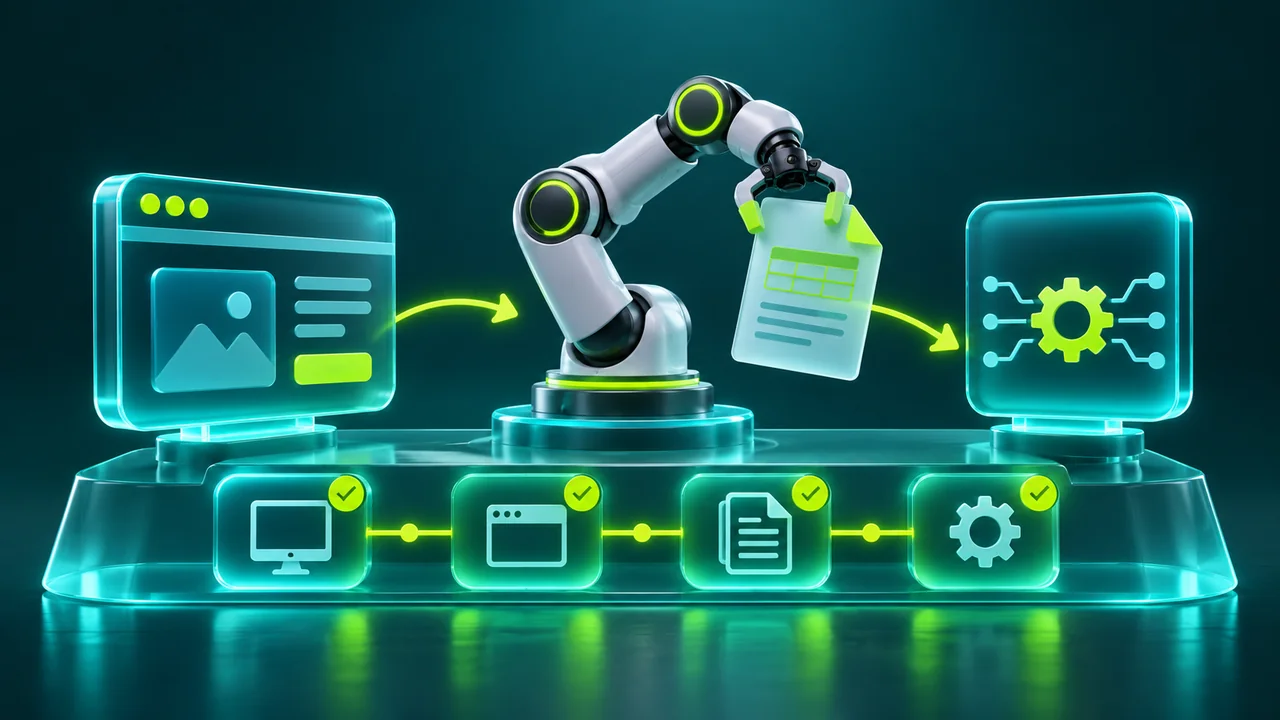
Robotic process automation, or RPA, uses software to perform tasks with identifiable rules in digital systems. It can support checks, information transfers, account updates, and document preparation. The starting point is not recording clicks, but explaining the process: what information enters, which decisions are permitted, and which result proves completion. A frequent, stable, well-documented task usually provides better conditions for an initial project than a rare activity full of informal exceptions and dependent on decisions that no one can describe clearly. Establishing that distinction helps choose a useful pilot.
Map the workflow with the people performing it and the people receiving its output. An operator may consider a task finished after completing a screen, while the next team depends on a confirmation that arrives later. Record that distinction before automating.
Identify schedules, participating systems, external dependencies, and conditions requiring a person. Also estimate the effort needed to correct an error: copying an incorrect field into several systems may cost more than saving a few minutes of typing. The design should protect outcome quality as well as reduce repetitive work.
198.51.100.10:8080203.0.113.24198.51.100.20:80802001:db8::24Combine interfaces, APIs, and document processing
Interface automation interacts with screens and visible components. It is useful when a system lacks a suitable integration, but it depends on the stability of the presented experience. Where possible, locate elements through meaningful properties rather than fixed screen coordinates.
A change in resolution or window position should not send information to another field. Wait for verifiable states, such as an available element or confirmation, instead of inserting arbitrary pauses alone. The objective is to tolerate normal timing variation without concealing genuine errors that need investigation.
APIs exchange information through structured contracts, while document extraction turns files into usable data. A process can combine these techniques: receive a document, extract fields, verify values through an API, and record the result in a legacy application.
Where text recognition or probabilistic classification is involved, define review criteria for uncertain results. Do not turn an estimate into confirmed information simply because the workflow is automated. The best architecture uses each technique where it offers predictability and retains a trail explaining where each important piece of information originated.
Attended, unattended, and planned human intervention
Attended automation works alongside a person, often starting during an activity. Unattended automation executes tasks on prepared infrastructure according to a queue or schedule. The choice depends on decision requirements, system access, and supervision arrangements. Unattended does not mean ownerless. Someone must monitor failures, someone must be able to stop execution, and someone must authorize process changes. These responsibilities become especially important when a task changes information or produces documents that other teams use to make decisions. Assign the responsibilities before expanding the automation beyond a pilot.
Model human intervention as part of the workflow, with enough information for a decision and a safe resumption point. Conflicting records, unreadable documents, or interactive verification should not trigger endless repetition. Route the exception to an identified queue, communicate the deadline, and preserve necessary context.
On return, confirm that the situation is still current: a record may have changed while waiting for review. This design reduces rework and makes it possible to measure which exceptions genuinely need people and which can be resolved by improving a rule.
198.51.100.10:8080203.0.113.24198.51.100.20:80802001:db8::24A failure should not duplicate the business operation
Divide the process into stages with clear states and execution identifiers. Before creating a record, check whether the same operation already completed or is awaiting confirmation. If a system response is lost, the next step should investigate the known outcome rather than simply repeat everything.
Where an integration provides idempotency keys, use the documented mechanism. When a sequence involves several systems, describe how to compensate for or reconcile partial completion. A record created in the first system but rejected by the second requires specific handling rather than a generic restart.
Define bounded retries, increasing delays, and error categories. Temporary unavailability may justify another attempt; a revoked credential or invalid field requires correction. Rapidly retrying every failure increases queues and destination load. Include a way to pause processing when the same problem affects many items, preventing thousands of tasks from producing the same error. Recovery should release work gradually and check the state of operations already started. With this control, recovery remains predictable even after an extended interruption of an external system.
Connectivity is part of execution
Identify the families accepted by each destination and select the corresponding IP Proxy. At VLSM.io, IPv4 Proxy and IPv6 Proxy use IPv4:Port ingress; egress is IPv4 in the former and IPv6 in the latter, with static, rotating and random modes available for both solutions. An application available over IPv4 does not start accepting IPv6 merely because its worker received an IPv6 address.
Proxies, tunnels, and hosting address different needs and should be chosen according to the process path. Confirm DNS, certificates, authentication, and permissions before increasing concurrency. Keep access credentials outside scripts and give each robot only the permissions it needs. This allows component replacement without distributing new passwords through copied code or shared examples.
Worker count should not be determined solely by your own infrastructure capacity. Consider agreed limits for each destination and the cost of each lookup. A robot opening one page may trigger several additional calls, so counting tasks alone can hide actual volume.
Distribute schedules, limit simultaneous work, and share the request budget across all workers. VLSM.io can participate in connectivity planning, while access policy and load coordination remain essential parts of the automation design. More outbound addresses do not remove the need for those controls.
Measure the outcome the business receives
Track correctly completed operations, total cycle time, exception volume, and recovery effort. A robot may perform many actions per minute yet deliver few useful results if it repeats queries or needs frequent corrections. Compare the automated process with a known baseline, accounting for quality and maintenance.
Record rule changes and workflow versions so a change can be connected to its effects. When an indicator worsens, the data should identify the responsible stage rather than force decisions based solely on a perception that automation has become slow.
Start with a representative pilot covering success, incomplete data, unavailability, and recovery. Involve real users in reviewing outcomes and document the manual continuity procedure. Then expand scope gradually while keeping acceptance criteria and ownership clear. Useful automation does not end when the first workflow works: it must follow changes in screens, rules, and systems.
When planning your project with VLSM.io, describe destinations, protocols, execution windows, and scaling needs. This information helps create a connectivity foundation consistent with the work your business actually needs to perform. Review these requirements whenever new systems are added, because expanding scope also changes dependencies, support responsibilities, and the evidence needed to confirm successful execution.